Comparisons · 8 min read
A Later alternative for TikTok, for brands that need the videos too
Later is a social media management and influencer marketing platform: it schedules, analyses and adds a link in bio across eight networks, for videos you supply. Spoolt is a Later alternative for brands that only need TikTok and need the videos made too: it writes scripts, renders them and queues them. If you need Instagram planning, link in bio or creator campaigns, Later is the better fit.
Later is a broad tool. Its own site presents influencer marketing and social media management side by side, across eight networks. If you only post to TikTok, and the hard part is making the videos, most of that breadth goes unused.
This guide compares Spoolt and Later for one job, a brand posting to TikTok. It sets out what each one does, where Later is clearly ahead, how to test a move without breaking your calendar, and the usual mistakes.
Spoolt and Later, side by side
| What you need | Spoolt | Later |
|---|---|---|
| Built for | Making short videos and scheduling them to TikTok | Planning, scheduling and analysing social content, plus influencer marketing |
| Writes scripts and captions | Yes, in your brand's voice, from your website | An AI caption writer and idea generator, on monthly AI credits |
| Makes the video | Yes: seven formats, rendered with a voiceover | Not listed; you upload your own video |
| Networks | TikTok only | Instagram, Facebook, TikTok, Threads, YouTube, Pinterest, LinkedIn and Snapchat |
| TikTok publishing | At the time you set, through TikTok's official API, after you confirm each post's settings | Auto-publishing to TikTok on every plan |
| Posting times | Weekly slots you set, with times suggested from your own results | A best time to post feature for TikTok |
| Link in bio | No | Yes, on every plan |
| Free option | Free plan: 1 channel and 15 scheduled posts a month, no card | A 14-day free trial; no free plan on the pricing page |
Later details were checked against later.com/pricing and later.com/tiktok-scheduler in October 2026. Plans change, so read the vendor's own page before you decide.
How to choose between them
Start from the channel
List where your customers actually watch you. If the answer is mostly Instagram, or several networks, you need a multi-network tool. If it is TikTok, a narrow tool is enough.
Find the slow step
Time one post from idea to published. Most small brands lose hours on writing and making the video and minutes on scheduling it. Buy the tool that shortens the slow part.
Keep what already earns
A bio link that sells and a creator programme that works are worth more than a tidier tool stack. Add a tool beside them before you replace anything.
You stay the editor
In either tool, a person decides what is published and how it is labelled. Software can save you the typing. The judgement stays with you.
Where the two differ
What each tool is for
Later's homepage leads with influencer marketing and lists social media management beside it: plan, schedule and analyse content in one place. Spoolt does one narrower thing. It turns a brand's website into scripted, rendered short videos and schedules them to TikTok.
Example
A skincare brand with an Instagram-first audience, creator partnerships and a shop link in its bio is Later's customer. A two-person software company that wants four TikTok videos a week and has no camera is Spoolt's.
Watch out
Buying breadth you will not use. A platform's price and learning curve include the features you never open.
Who makes the video
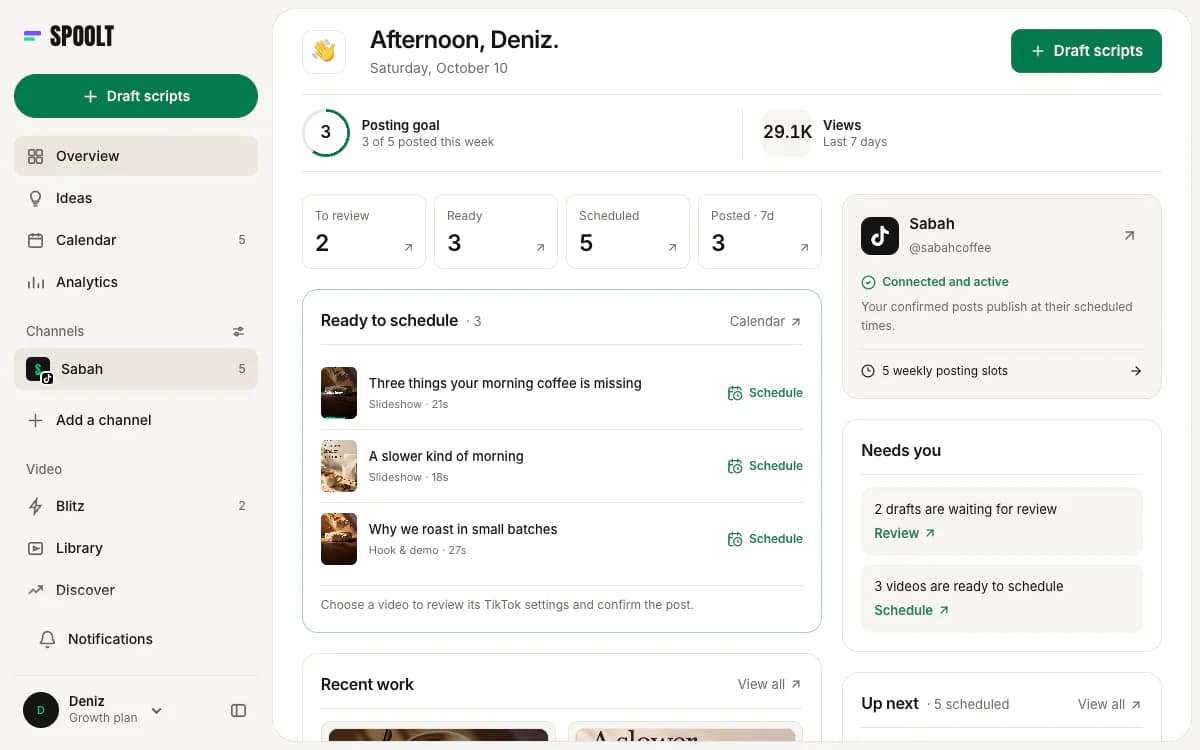
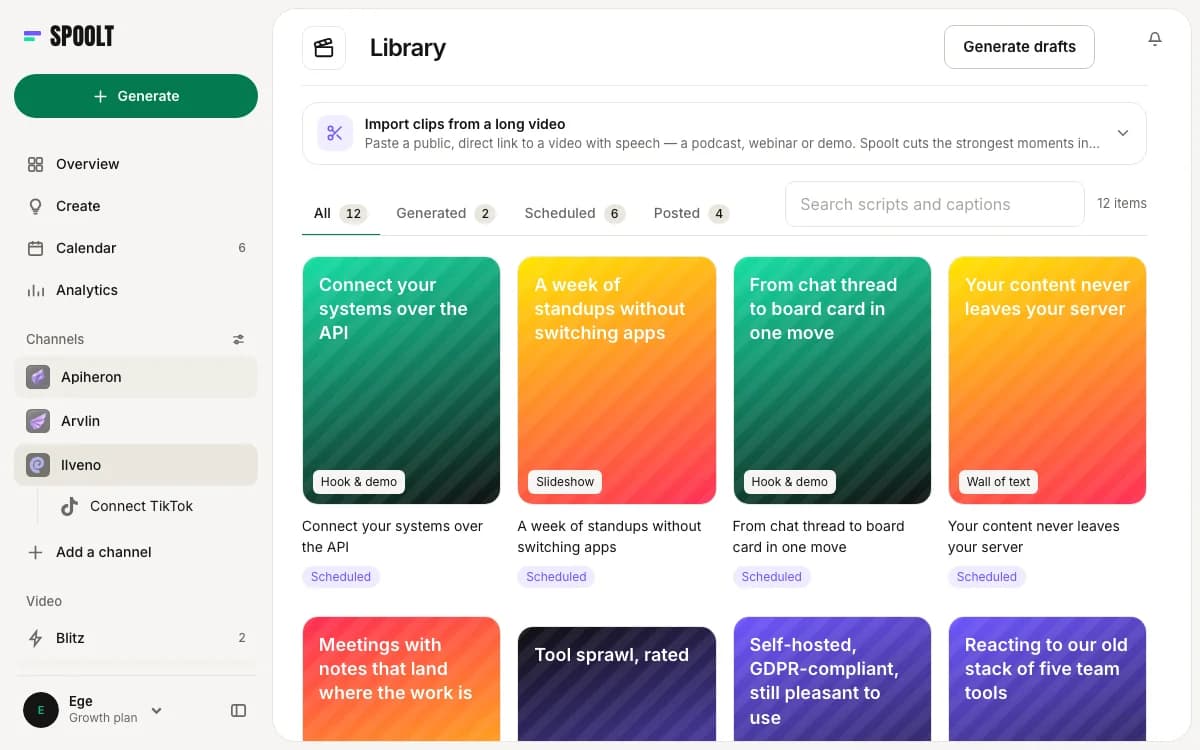
Later's TikTok scheduler takes a video you upload, checks the file and publishes it. Spoolt writes the script, lets you keep or cut it, and renders the keepers in one of seven formats: slideshow, wall of text, hook and demo, AI UGC, green screen, AI story and story avatar.
Example
A product tip in Later: film it, edit it, export it, upload it, schedule it. The same tip in Spoolt: keep the draft, render it, queue it.
Watch out
Assuming generated video suits every post. Creator content and anything filmed with real people still comes from a camera, and a tool like Later is built to schedule exactly that.
Networks
Later's pricing page lists Instagram, Facebook, TikTok, Threads, YouTube, Pinterest, LinkedIn and Snapchat. Spoolt publishes to TikTok only. Instagram and YouTube are planned for Spoolt and are not available yet.
Example
If Instagram drives your sales and TikTok is an experiment, Later covers both in one calendar. If TikTok is the whole plan, one network is all you need covered.
Watch out
Planning around a network a tool does not support yet. Decide on what it publishes to today.
Publishing and your settings
Later lists auto-publishing to TikTok on every plan. Spoolt also publishes at the time you set, through TikTok's official API, and adds one deliberate step: you confirm each post's privacy, interaction and commercial-content settings yourself before it is scheduled. Spoolt never posts unattended.
Example
A month of twelve videos in Spoolt is twelve short confirmations in one sitting. After that, they go out on time without you.
Watch out
Treating the confirmation as friction to remove. It is the moment a person checks that a branded video is labelled as one.
Posting times
Later lists a best time to post feature for TikTok on every plan. In Spoolt you set weekly posting slots in your own time zone, each video takes the next free slot, and suggested times come from your own published results.
Example
Start with three fixed slots a week. After a month of posts, compare the suggested times with the slots you chose and move one slot, not all three.
Watch out
Trusting any suggested time on a new account. With few posts there is little to learn from. Post at consistent times first and let the results build up.
Analytics
Later describes TikTok follower analytics, including demographics and audience growth, and per-post performance. Spoolt pulls per-post results from TikTok and shows views over time. If audience demographics matter to your reporting, Later lists more.
Example
A monthly report for a client that needs follower growth and demographics by network belongs in Later. A founder who wants to know which of this month's videos held attention is covered by either.
Watch out
Choosing a tool for its charts and then never opening them. Decide which two numbers you will read every month, then check that the tool shows them.
Link in bio and creators
Later includes a link in bio page on every plan and sells influencer marketing software. Spoolt has neither. If your TikTok strategy depends on a shoppable bio link or on managing creator campaigns, those are reasons to stay.
Example
A fashion brand that sends viewers from TikTok to a product grid behind its bio link is using something Spoolt does not offer.
Watch out
Dropping a link in bio page that already earns sales to save on a subscription. Check what the page brings in first.
What it costs to try
As of October 2026, Later's pricing page shows a 14-day free trial on each plan and no free plan. Its Starter plan is listed at 18.75 US dollars a month billed yearly, with up to 30 scheduled posts per profile. Spoolt has a free plan with 1 channel and 15 scheduled TikTok posts a month, no card, and its paid plans are credit-based.
Example
A month on Spoolt's free plan, run beside your current calendar, costs nothing and shows whether the drafts are worth keeping.
Watch out
Comparing a scheduler's price with a tool that also writes and renders. Add the hours you spend making videos to the first number.
How a switch goes wrong
Cancelling before checking Instagram
Spoolt will not post to Instagram. If Later runs your grid, your Reels or your bio link, those stop the day you cancel.
Leaving posts in both calendars
A TikTok video scheduled in two tools goes out twice. Clear TikTok from one calendar on the day you move.
Expecting a creator platform
Spoolt generates videos. It does not find, brief or pay creators. If creator content is your strategy, it will not replace that work.
Skipping the read
Generated drafts are fast, and that is the risk. Read every script before it renders and watch every video before it is queued.
A four-day trial move
- Day 1
List what Later does for you today: networks, bio link, reports, creators. Mark which of those are TikTok publishing. Only that part can move.
- Day 2
Open a free Spoolt account, paste your website, edit the brand profile and connect TikTok.
- Day 3
Generate scripts, keep the ones in your voice, render them and watch each one.
- Day 4
Set weekly slots that match your current TikTok times. Queue the videos, confirm each post's settings, and remove TikTok posts from the other calendar.
- Week 4
Compare posts published and hours spent with the month before. Keep Later for everything it still does better.
Later alternative FAQ
Is Spoolt a replacement for Later?
For TikTok alone, when you also want the videos written and rendered, yes. For anything else, no. Spoolt publishes only to TikTok today and has no link in bio and no influencer tools. If those are why you use Later, keep Later.
Does Later create TikTok videos?
Later's TikTok scheduler page describes scheduling, auto-publishing, analytics and link in bio, and its pricing page lists an AI caption writer and idea generator. Neither listed video generation in October 2026, so you bring the finished video.
Does Later have a free plan?
When we checked later.com/pricing in October 2026 it showed three paid plans, each with a 14-day free trial, and no free plan. Spoolt has a free plan with one channel and 15 scheduled TikTok posts a month, no card.
Can I keep Later for Instagram and use Spoolt for TikTok?
Yes, and for many brands that is the sensible split. Let one tool own the TikTok queue so nothing is posted twice, and remove TikTok posts from the other tool's calendar.
Later is the wider tool and Spoolt is the narrower one. Later covers more networks, more reporting and the creator side of marketing. Spoolt covers the one step Later leaves to you, making the video, and then posts it to TikTok. Choose by the step you are missing.
Want these written in your brand's voice? Paste your website and Spoolt turns ideas like these into a month of scripted short-form — triage in Blitz, schedule to TikTok. Free to try, no card.
← All playbooks