Systems · 7 min read
A TikTok content plan for SaaS companies that survives a release week
A TikTok content plan for a SaaS company is three or four recurring lanes posted on fixed days: the problem your software solves, a short product demo, one feature explained in a sentence, and answers to real customer questions. Batch a month of scripts in one sitting, schedule them ahead, and review watch time per lane each month to decide what to make more of.
Most software companies open a TikTok account, post three launch videos and a team photo, and stop. The product has nothing to unbox, nobody wants to be on camera, and the roadmap is always more urgent.
A software product is in fact easy to plan content for, because it produces material every week: features, questions, releases and customer problems. This guide turns that material into a plan: the lanes that suit software, eight video types with a worked example each, the mistakes software companies make, and a monthly routine a small team can keep.
Four rules for a SaaS feed
Teach first, sell second
A viewer who learns something keeps watching and remembers who taught them. Most of the plan should be useful to someone who never buys.
Lanes, not ideas
Assign each posting day a lane, such as problem, demo, feature or question. 'What is this week's demo?' is a small question a busy team can answer.
Show the screen
Software is visual once it is running. A real screen doing a real task is more convincing than a description of it.
Protect it from the sprint
Make the month in one batch and queue it. Publishing should not depend on anyone having a free hour on a release day.
Eight video types for software
The problem, before the product
Open with the situation your customer is in before they find you. Name it precisely enough that the right viewer recognises their own week. The product appears at the end, as the way out, or does not appear at all.
Example
An invoicing tool: 'It is the 28th. You are copying hours from a spreadsheet into invoices again.' Fifteen seconds on that pain, one line on the alternative.
Watch out
Describing the problem in your own category's words. Customers do not say 'accounts receivable automation'. They say 'chasing invoices'.
The fifteen-second demo
Show one task being done, start to finish, on a real screen. Leave out the tour and the login screen. A hook says what the viewer is about to see, then the recording proves it. This is the hook and demo format.
Example
'Watch this report build itself.' Then eleven seconds of screen: pick a date range, click, the chart appears. One closing line.
Watch out
Demoing five features in one video. One task per video is clearer, and it leaves you with four more videos to make.
One feature, one sentence
Take a single feature and explain what it saves, in a sentence a customer would repeat to a colleague. Slideshows and text-led videos suit this: one idea per slide, no voice required.
Example
Slide one: 'You can undo a sent invoice.' Slide two: when you would need to. Slide three: where the button is.
Watch out
Leading with the feature's internal name. Lead with what it does for the person using it.
The customer question
Your support inbox and sales calls are a list of scripts. Each real question is a video: state the question as it was asked, answer it plainly, and stop. People who have the same question will find it.
Example
'Can I use it without connecting my bank?' Yes, and here is what you lose if you do not. Twenty seconds.
Watch out
Answering the question you wish people asked. Use the wording from the actual ticket.
The release note, shortened
Every release is a video, as long as you cover one change and not the whole changelog. Say what was annoying before and what happens now. It shows existing customers the product is alive and shows prospects it is maintained.
Example
'Exports used to take a minute. They now finish before you switch tabs.' Before and after on screen, side by side.
Watch out
Reading the changelog aloud. Pick the one change a customer would feel and leave the rest for the release page.
The screenshot explained
Put a screenshot, chart or setting behind a presenter or a caption and explain what the viewer is looking at. The green screen format is built for this: the image fills the frame and the explanation points at it.
Example
A dashboard screenshot with one number circled. 'If this number is under ten percent, here is the setting to change.'
Watch out
A screenshot nobody can read on a phone. Crop to the one area that matters and enlarge it.
The opinion
Software buyers follow people with a point of view. Take a common practice in your field and say, with a reason, why you would do it differently. Text-led formats suit a strong claim well.
Example
'Stop sending weekly status reports. Send the three numbers that changed.' Then thirty seconds on why.
Watch out
Controversy for its own sake. The opinion has to be one your product is built around, or it is noise.
The story behind a decision
Explain why something in the product is the way it is: a feature you removed, a default you chose, a request you declined. It is the closest software gets to behind the scenes, and it builds trust with careful buyers.
Example
'We removed the calendar view. Here is what people were actually trying to do with it.'
Watch out
Turning it into a company history. Keep to one decision and the customer problem behind it.
Where SaaS accounts stall
Announcements only
An account that posts only at launches gives nobody a reason to follow between them. Launch news should be one lane among several.
Waiting for a studio
Software companies delay for months over cameras and presenters. A screen recording and clear text are enough to start this week.
Jargon in the first line
If the hook needs a glossary, the viewer is gone. Use the customer's words in the opening and save the product's terms for later.
The roadmap always wins
Content made in spare moments stops in the first busy sprint. Batch a month in one sitting and schedule it, so a release week cannot cancel it.
The month for a small team
- Week 1, one sitting
Collect the month's material: support questions, shipped changes, sales objections. Sort it into four lanes and write twelve to sixteen scripts.
- Week 1, next day
Record the screen for the demos and produce the rest. Read every script and watch every video before it is queued.
- Every week
Monday: problem. Wednesday: demo or feature. Friday: customer question. Keep one optional slot for a release or an opinion.
- Daily, ten minutes
Answer comments yourself. Copy every good question into next month's question lane.
- Last Friday
Rank the lanes by watch time and completion. Give the best lane one more slot next month and rework the weakest.
SaaS content plan FAQ
Does TikTok work for B2B SaaS?
It can, when the videos teach something your buyers already search for and the product appears as the way to do it. It works less well as a place to repeat launch announcements. Run three months of consistent posting before you judge it, and judge it on your own numbers.
How often should a SaaS company post?
Three or four times a week, kept up for months, is a realistic target for a small team. Choose the number you would still hit in a release week, because a steady feed does more than a busy fortnight followed by silence.
Do we need someone on camera?
No. Screen recordings, slideshows and text-led videos carry most software topics well. A founder or teammate on camera helps for opinions and stories, so use it occasionally rather than waiting for it before every post.
What should a SaaS company measure?
Watch time and completion per lane, because they show whether the video was worth watching. Then profile visits and the questions people ask in comments. Follower count tells you very little about whether the content is useful to buyers.
A software company has an advantage on TikTok that it rarely uses: the product creates new material every week. The plan is a way to collect that material and turn it into videos on a schedule. Pick the lanes, batch the month, read the numbers, and keep going for three months before you judge it.
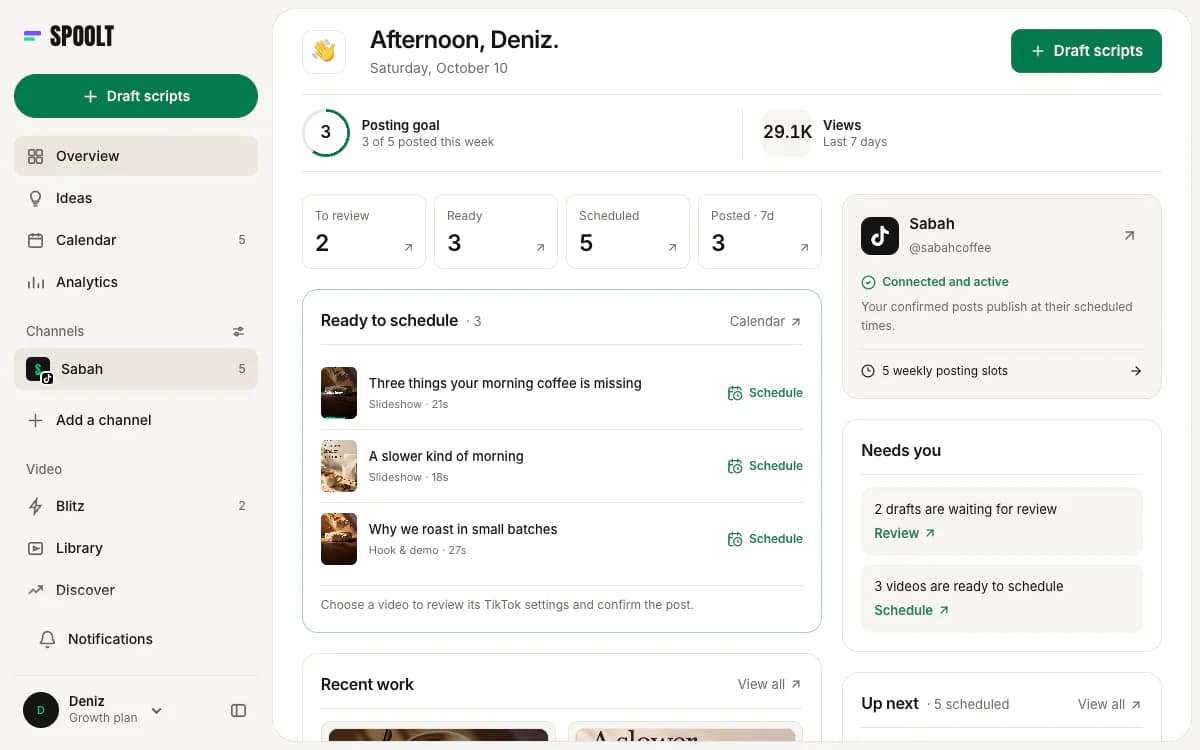
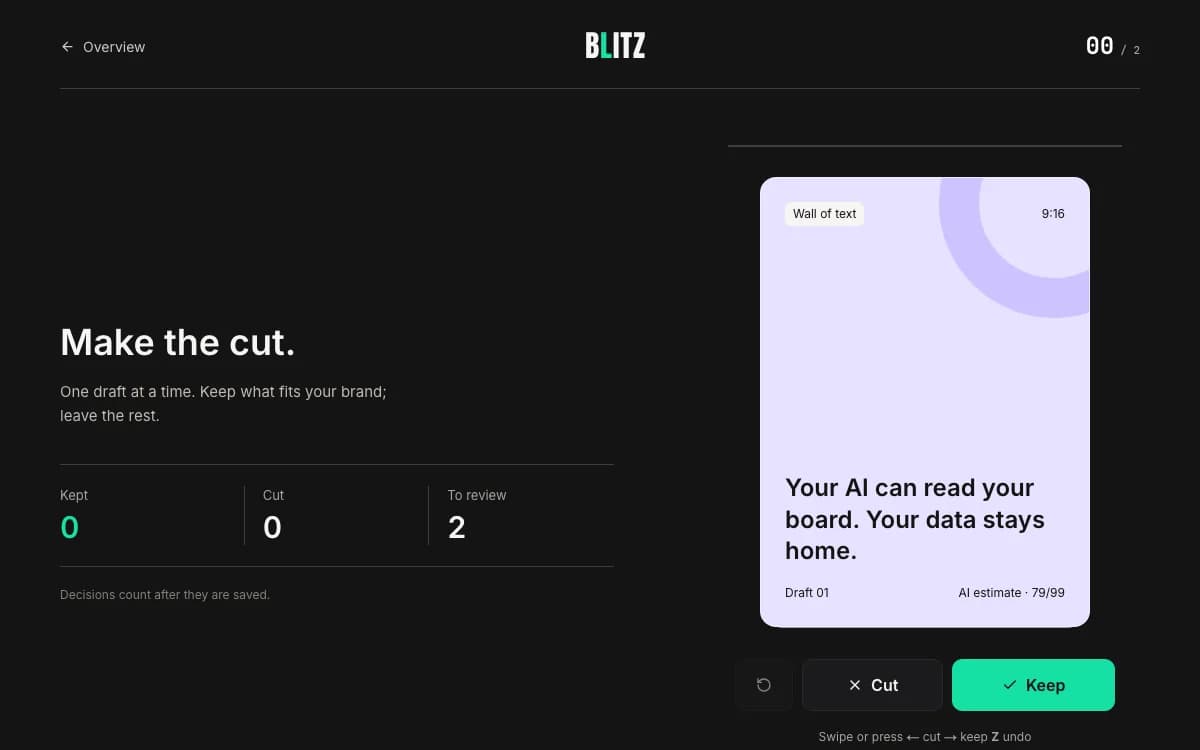
Want these written in your brand's voice? Paste your website and Spoolt turns ideas like these into a month of scripted short-form — triage in Blitz, schedule to TikTok. Free to try, no card.
← All playbooks